
MAXX FORGE · Mac app · Free
Aries Dynamic Island
The Dynamic Island for your Mac
Free download. No account needed.
Coming soon Aries is coming to the Mac App Store.
What it does
Your notch, finally useful.
Aries turns the MacBook notch into a living Dynamic Island for music, lyrics, widgets and quick tools.
Music, front and center
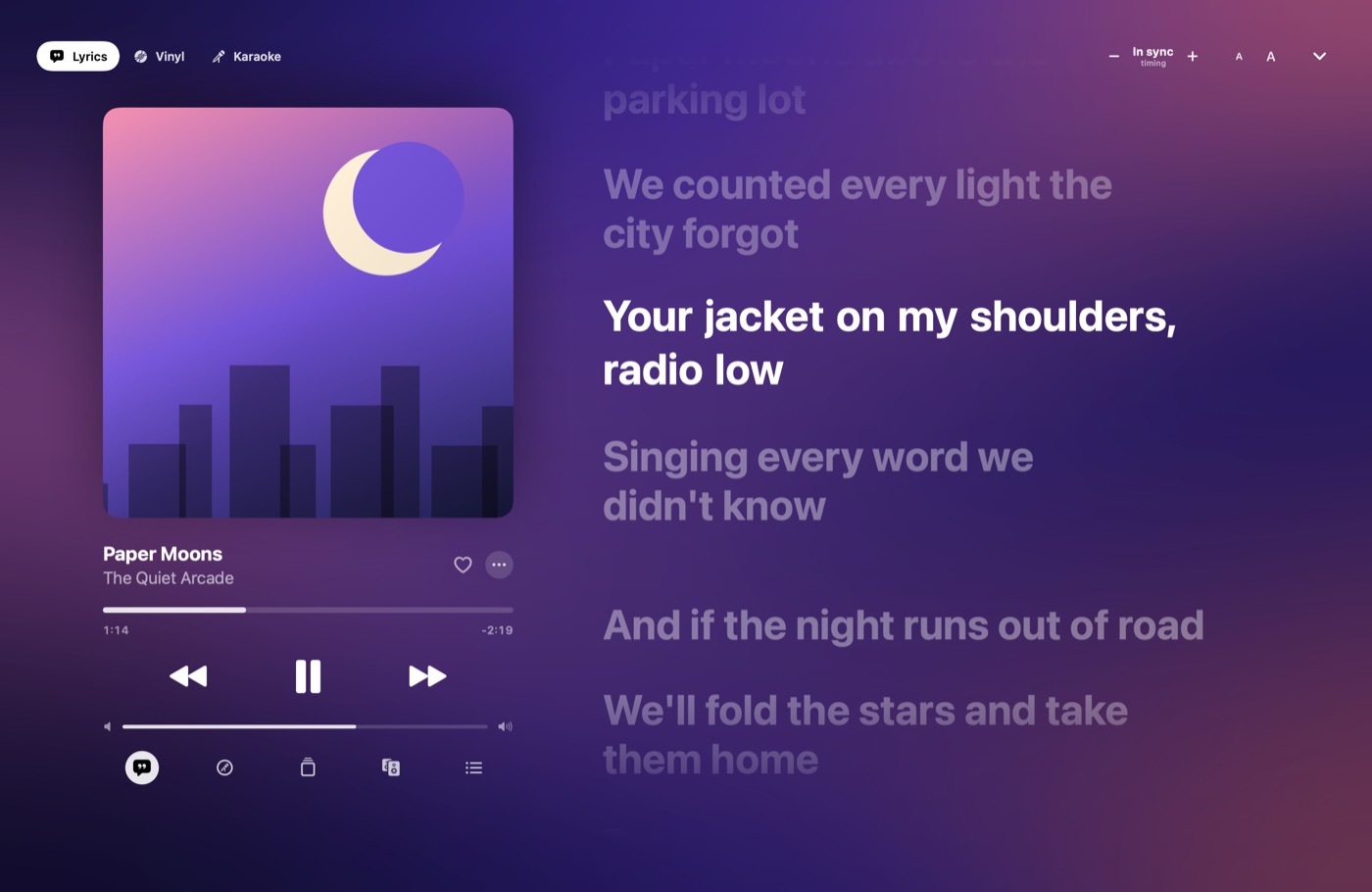
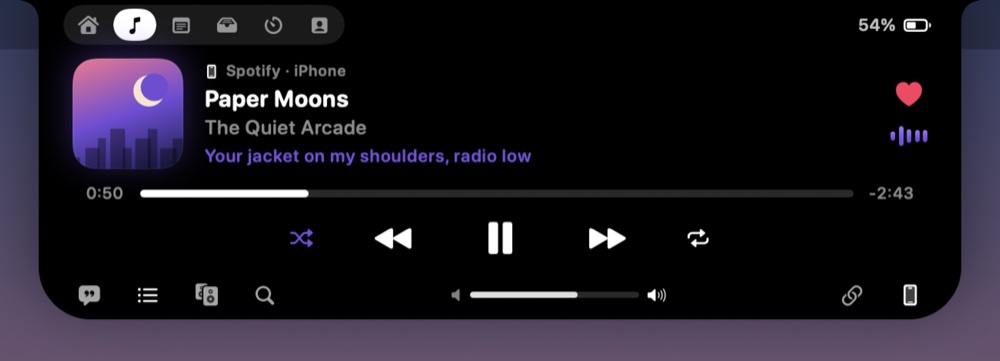
Spotify and Apple Music with artist and album pages, Up Next and one-click connecting.
Lyrics & karaoke
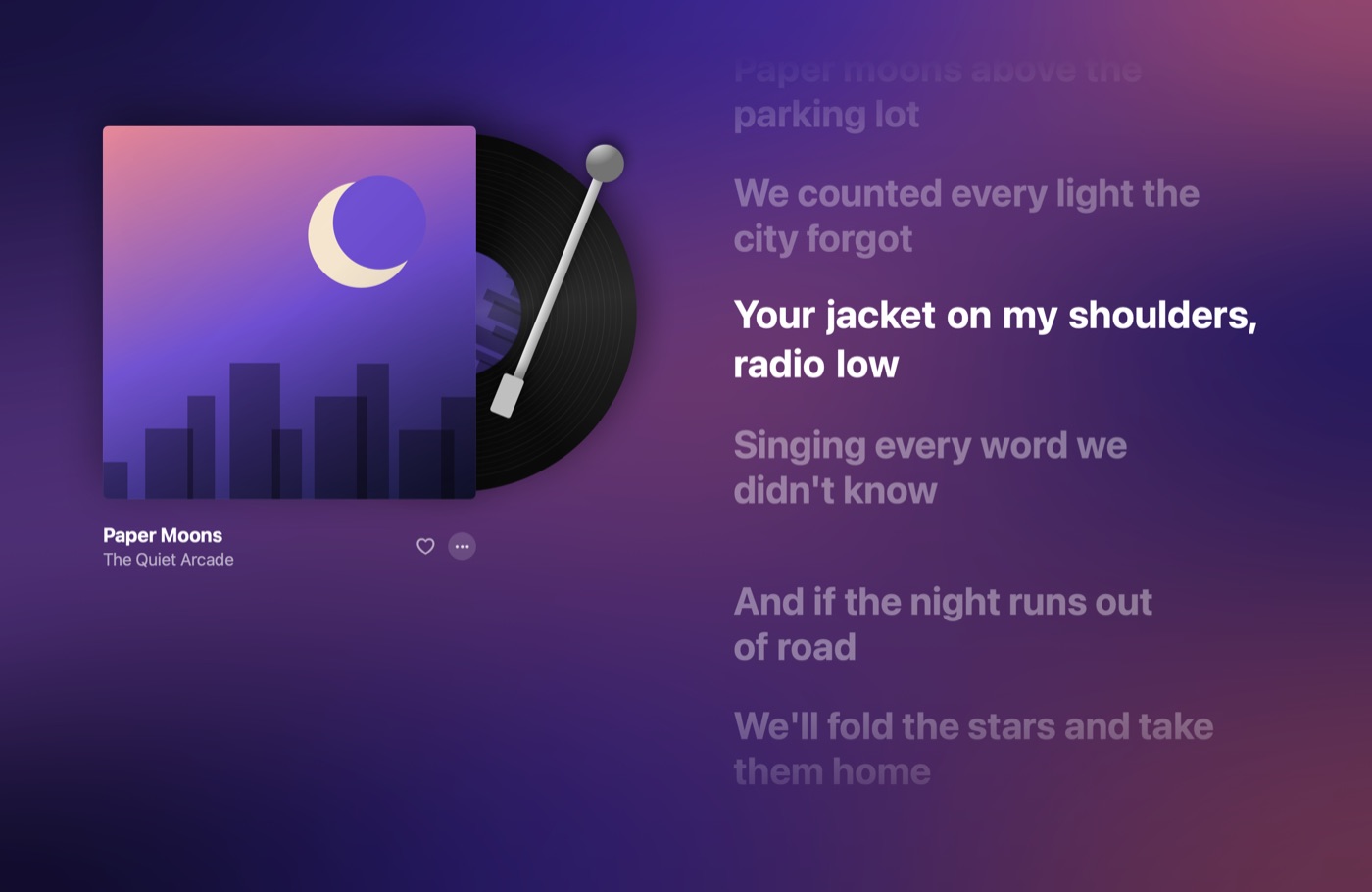
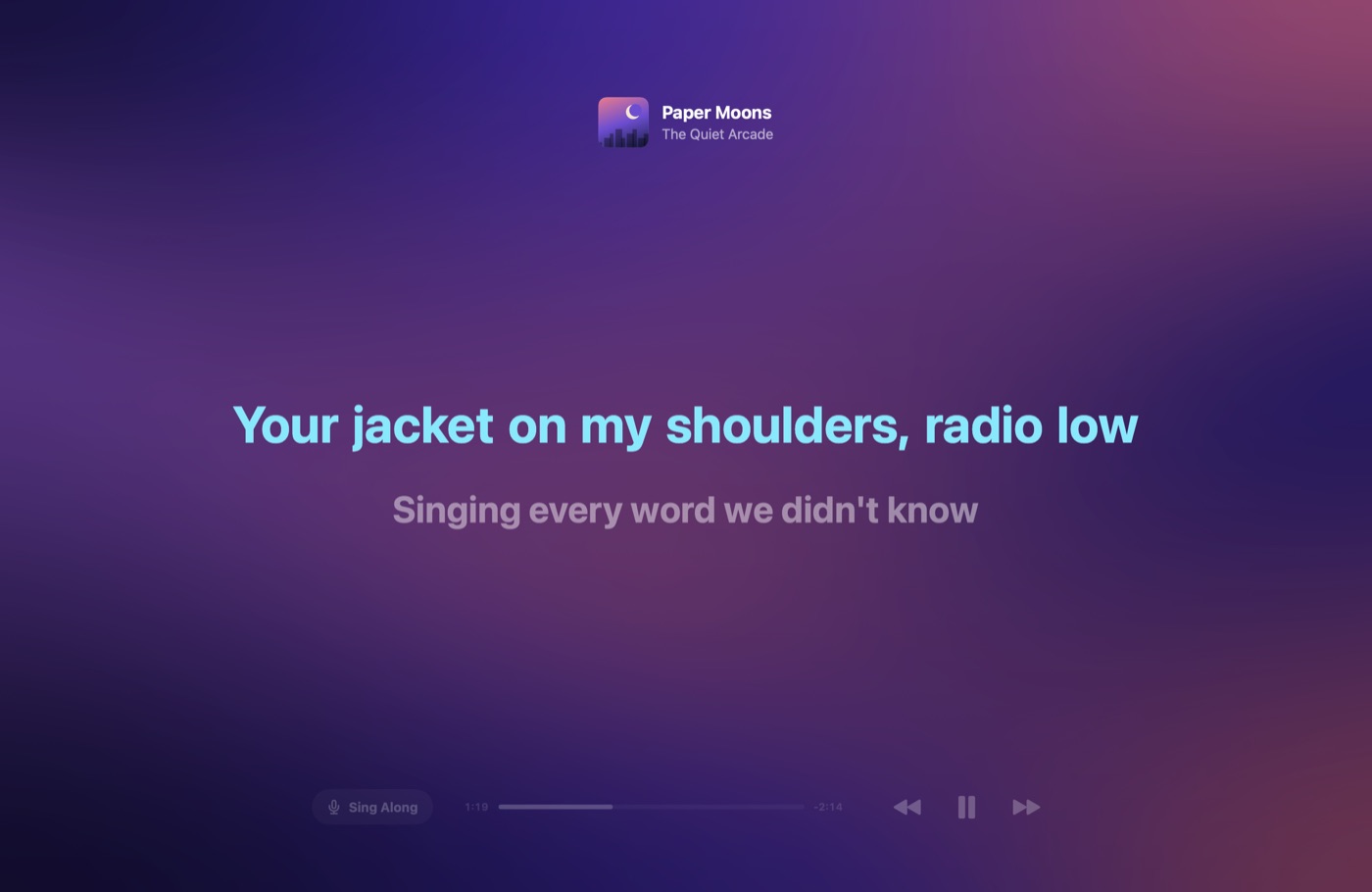
Word-by-word synced lyrics, a full-screen karaoke mode with a singing score, and Vinyl mode.
Widgets everywhere
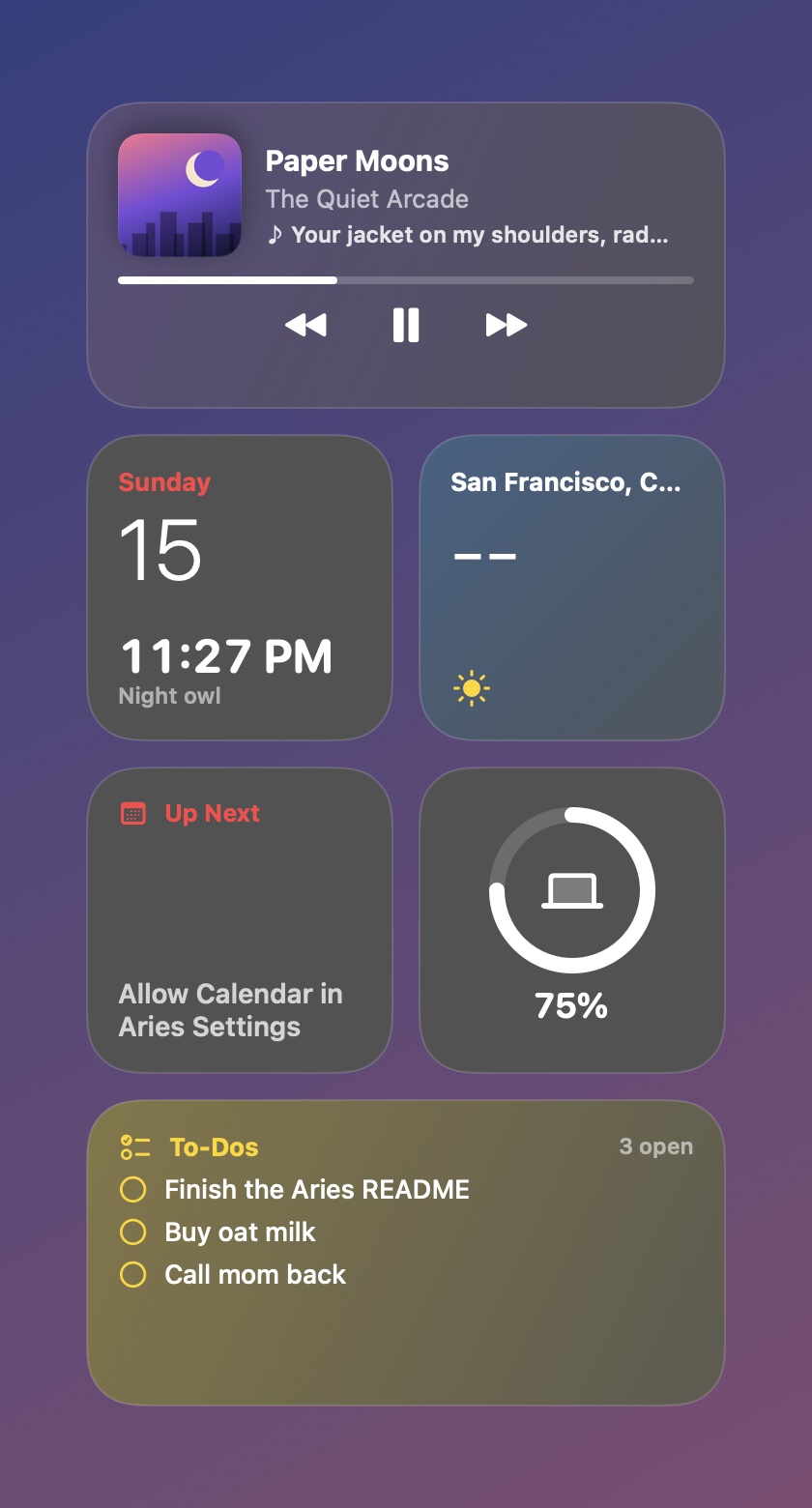
Desktop and Lock Screen widgets for now playing, clock, weather, calendar, battery and to-dos.
Handy tools
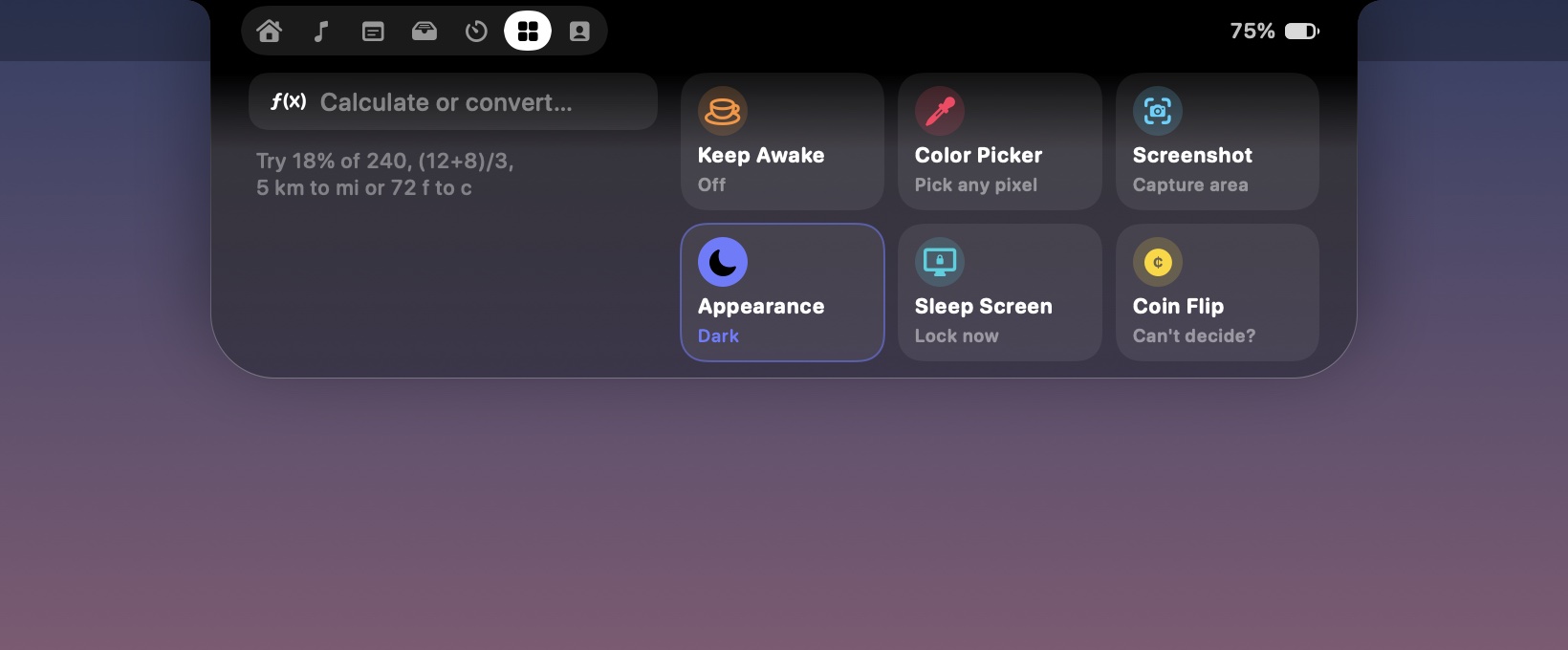
Calculator and unit converter, color picker, Keep Awake, dark mode and more.
Live alerts
Focus modes, FaceTime calls, Caps Lock, Low Power and Wi-Fi alerts, just like iPhone.
Glass styles
Aquatic, Crystal and Classic glass styles so the island fits your setup.
Screenshots
See it for real.
Every shot is straight from the app.
Install
Up and running in a minute.
- Download and unzip.Use the Download for Mac button above, then open the .zip.
- Drag the app to Applications.Move Aries Dynamic Island into your Applications folder.
- On first launch, right-click → Open → Open.macOS asks once because the app comes from outside the App Store.
Prefer Homebrew?
brew trust maxxforgestudio-del/tap && brew install --cask maxxforgestudio-del/tap/aries-dynamic-islandPatch notes
What’s new in Aries.
Known issues
Loading known issues…
Loading patch notes…
Support
Found a bug? Have an idea?
Tell us what happened or what you’d like next. Every report goes straight to the studio.